

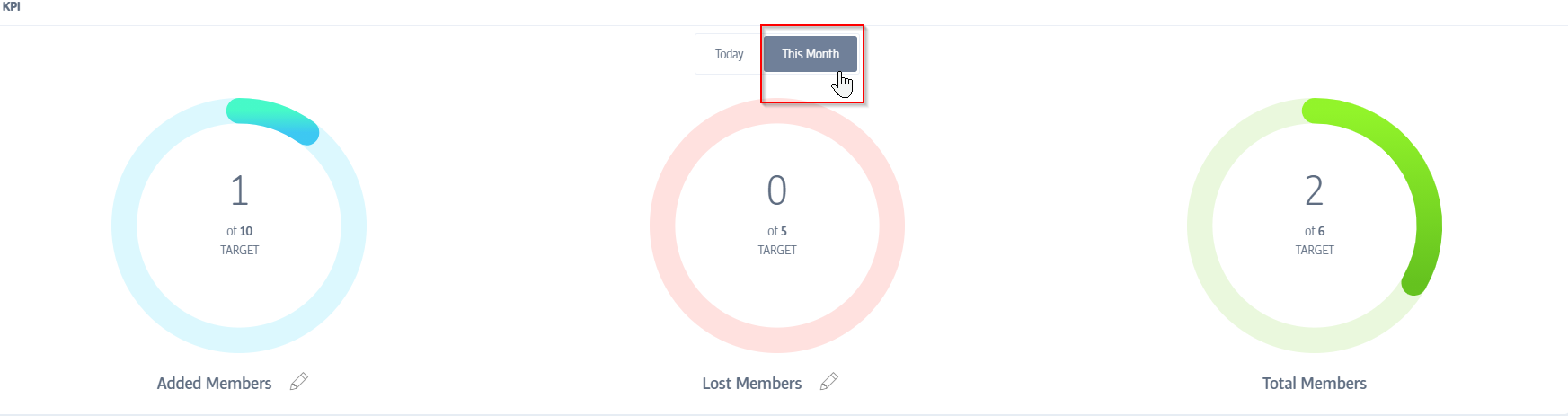
A. First, click on This Month to see a month-to-date view for your KPI circles:
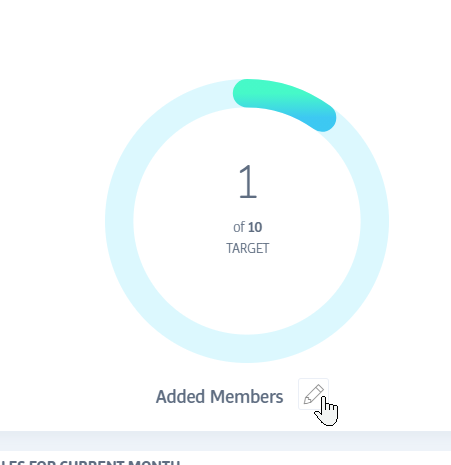
Next, click on the pencil icon next to either the 'added members' or 'lost members' circles:
Here, you can type in your target for the month:
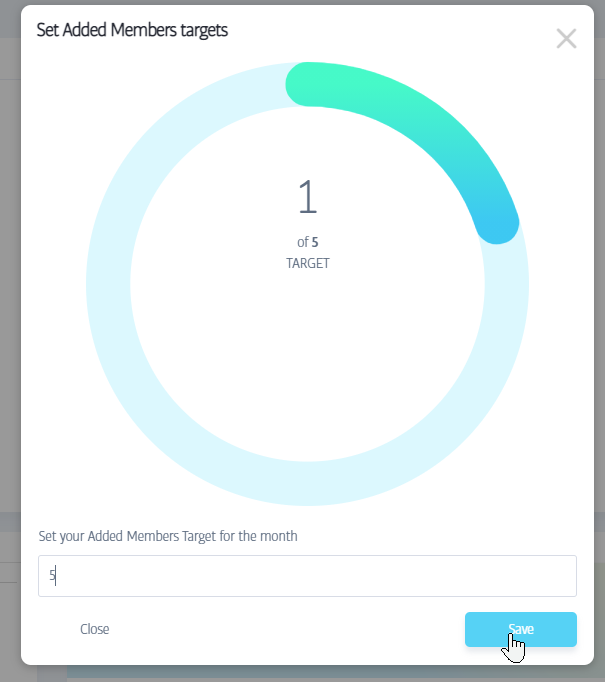
The circles will fill in as you work towards your target.
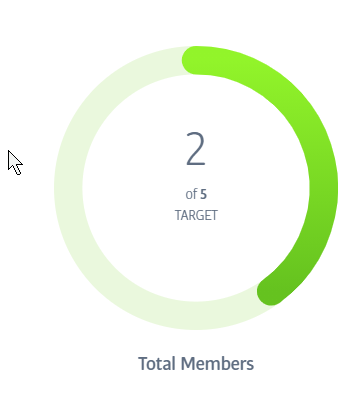
Setting a target for both 'added members' and 'lost members' will create a combined target for your 'total members':
You can find more information on KPIs in our comprehensive Product Manual
Comments
0 comments
Please sign in to leave a comment.