

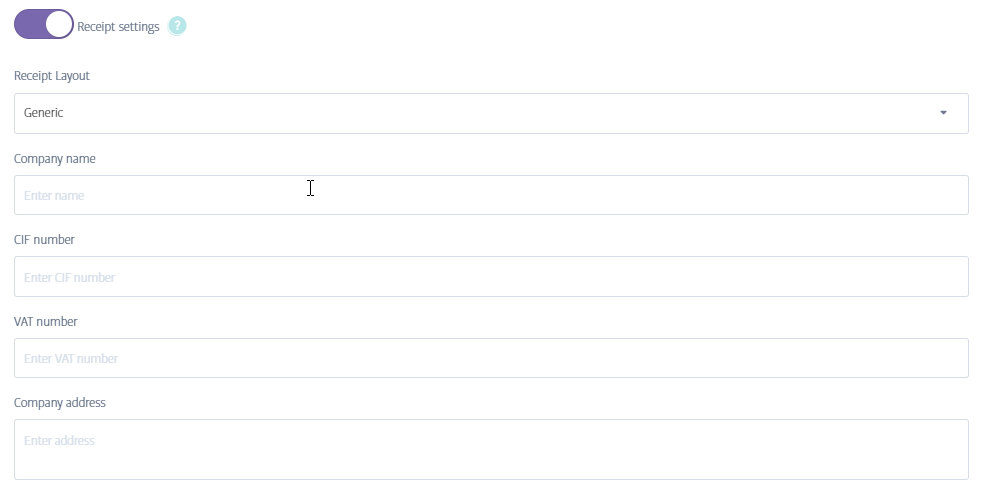
 A. The reason you are not able to print mPOS receipts might be that they haven't been set yet . You can set the settings by following these steps: Configuration -> Settings -> Additional Settings and then you will need to switch on the option called "Receipt settings ".
Fill in all required fields with the business information and save it. This way you will be able to print the receipts.
Comments
0 comments
Please sign in to leave a comment.